Aternos is probably the first Minecraft server half of all players ever had. And for good reason: it is free, simple and you can start a world in two minutes. We actually recommend it for a first experience.
But after a few weeks, the same questions come up: why do I wait 20 minutes in a queue to start the server, why did it shut down when I left, why does it lag with mods? This article explains why all of that happens, what alternatives you have and when it is worth paying.
What Aternos does well
Let's be fair. Aternos gives away for free something that otherwise costs money, and for a lot of people it is exactly right:
- you never pay anything;
- you get plugins, mods and modpacks installable in a few clicks;
- you get a simple panel and an address like
yourname.aternos.me; - it is perfect for an evening, a weekend or learning how a server works.
All of this is paid for by ads and by smartly sharing resources between a huge number of users. That is also where the limits come from.
Why does my Aternos server lag?
A free server doesn't have resources reserved just for you. Memory and CPU are shared dynamically between the servers running at that moment. When the platform is quiet, it runs very well. When it is busy (evenings, weekends, holidays), your server gets less.
You notice the lag most in three situations:
- With big modpacks. Mods need a lot of memory from startup, and without dedicated memory the server starts slowly and freezes.
- When players spread out across the map. Every new area means chunks being generated and loaded, which takes CPU.
- With big farms and lots of entities. Hundreds of animals or complex Redstone machines load the CPU no matter how much RAM you have.
Sometimes the lag isn't the server but the connection. A server close to your players means lower ping. We explained the difference between ping and FPS in Ping vs FPS.
Why you wait in a queue to start the server
On Aternos, servers don't run permanently. When you press "Start", the platform looks for room on one of its machines. If more people want to start servers than there is free capacity, you join a waiting queue. Room frees up when other users stop their servers.
The time shown is only an estimate and changes as you move up. And if you don't confirm in time when your turn comes, you lose your spot and start over.
Why the server shuts down by itself
Aternos automatically stops the server shortly after the last player leaves. That makes sense for a free service (it doesn't keep resources busy for an empty world), but it has consequences:
- no 24/7 server: your friends can't join when you are not online to start it, unless you give them panel access;
- farms don't run while nobody is on;
- plugins that track time (daily rewards, economies that tick over time) don't work like on an always-on server;
- every time you want to play, you go through startup again and sometimes the queue.
For a group that plays once a week, this doesn't matter. For a community that wants to jump in any time, it becomes the main problem.
What alternatives to Aternos are there?
Free alternatives
A server on your own computer. Free and no queue, but the computer has to stay on, you need to open port 25565 on your router (on some connections, especially mobile internet, you can't), and players see your home IP. On top of that, a computer running around the clock uses roughly 70-100 kWh a month, around €20 at typical European electricity prices. "Free" ends up costing more than a paid server.
Other free services. Other platforms have free tiers too. They generally make the same trade-offs as Aternos: shared resources, automatic shutdowns, ads or player limits.
LAN. If you all live in the same house, "Open to LAN" in the game is the simplest option.
Paid alternatives
Minecraft Realms. Mojang's official server, around €8 a month, for about 10 friends online at once. Always on and needs no setup, but no plugins or mods and you can't pick the version.
Game hosting. A server with resources reserved for you, online 24/7, with a panel, plugins and mods. From here on we are talking about a few euro a month.
VPS. For people who know Linux and want full control, for example a network of several servers linked with Velocity. More flexible, but all the administration is yours.
What a Minecraft server without a queue costs
Here is a realistic budget for a server that stays online all the time:
| Situation | RAM | Rough monthly cost |
|---|---|---|
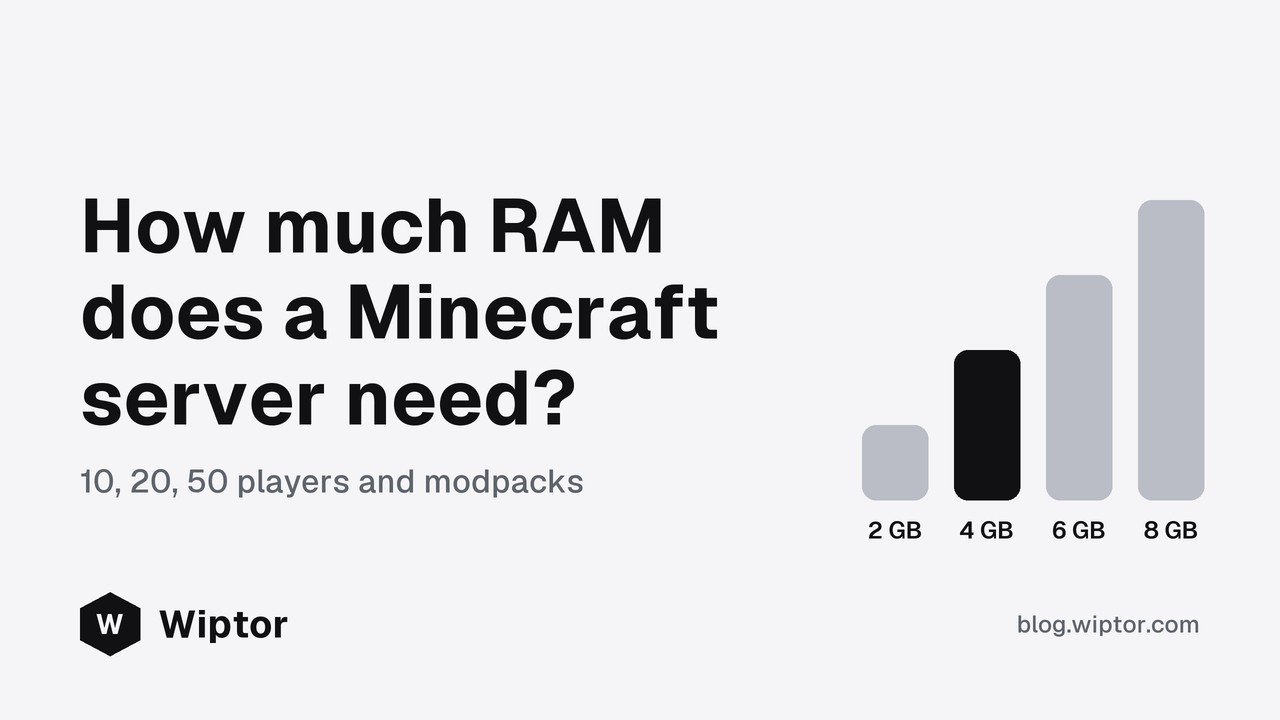
| 2-10 friends, vanilla or Paper | 2-4 GB | €4-8 |
| Small community, Paper with plugins | 4-6 GB | €8-11 |
| Light or medium modpack | 6 GB | €11 |
| Big modpack or busy server | 8 GB | €15 |
The prices are ours, as a reference. Split between a group of friends, an €8 server is about a euro each per month. We have a separate article with all the numbers: How much does a Minecraft server cost for 10 players.
When it is worth leaving Aternos
It is worth paying when:
- you want to join any time, without waiting for whoever starts the server;
- you have farms or an economy that should keep running when nobody is online;
- you play a modpack that starts slowly or freezes on Aternos;
- you want to make the server public and grow a player base;
- you want full file access and backups you control.
If none of these apply, stay on Aternos with a clear conscience. There is no point paying for something you won't use.
How to move your world from Aternos
Your world isn't lost. You download it from Aternos and upload it to the new server, and the move takes a few minutes:
- On Aternos, stop the server and go to "Worlds". Download the world as a
.ziparchive. - Note the server version and type (for example Paper 1.21.4). Use the same version on the new server, at least at first, to avoid conversion problems.
- Note your plugins or mods. You will find the list in the Aternos panel. Install the same versions on the new server.
- On the new server, stop it, delete the auto-generated world (the
world,world_netherandworld_the_endfolders) and upload the folders from the archive. On Paper, the Nether and End live in separate folders; on vanilla, everything is insideworld. - Check in
server.propertiesthatlevel-namematches your world folder name (usuallyworld). - Start the server and join to check that your base, inventories and progress are all there.
Minecraft servers at Wiptor
With us, your Minecraft server stays online 24/7 with resources reserved for you, no queue and no ads. We don't limit the number of players, and if your world grows, you upgrade from your account without losing anything.
| Plan | RAM | NVMe storage | Price |
|---|---|---|---|
| Starter | 2 GB | 20 GB | €4/month |
| Survival | 4 GB | 20 GB | €8/month |
| Community | 6 GB | 20 GB | €11/month |
| Network | 8 GB | 20 GB | €15/month |
You get DDoS protection, a MySQL database and ModPack Manager, which lets you switch between Paper, Purpur, Fabric and Vanilla or install plugins and mods in one click. You upload your Aternos world from the panel's file manager. Servers run in Romania or Germany and are created automatically right after payment. Use the code WIPTOR30 for 30% off your first month. If you get stuck moving your world, message us on live chat and we will help.